Marn POS System

Please check the steps below in order for the integration to work properly
Branch phone number must start with +966
Order Type must be Pick up - Delivery - Dine in
Branch Details and address should be in English in Marn
An item in Marn with the name "Delivery Fee" with price of Zero must be created, In order to display the Delivery Fee.

How to Activate Marn in Taker Dashboard
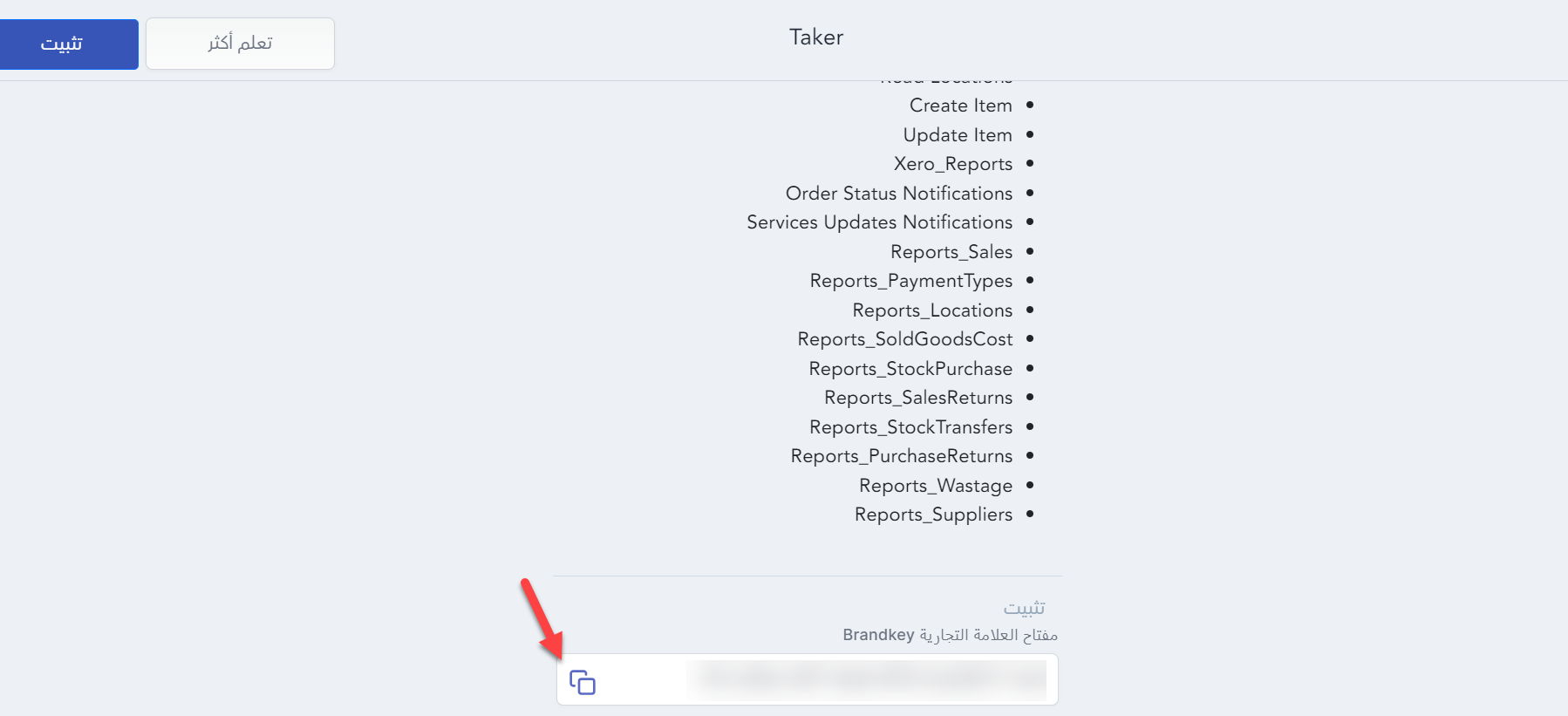
Copy the Brand Key. You will add it in Taker Dashboard
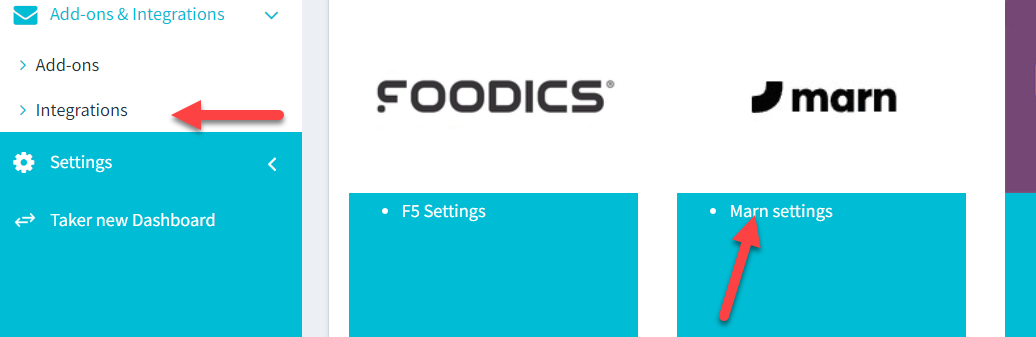
Add-ons & Integration > Integration
Press Authorize
Insert the credentials provided by Marn.
All entities must be selected during the initial synchronization in order for the integration to work properly.
Once the initial sync has been completed, you will be able to choose which parameter to send to Taler
Once the initial sync has been completed, you will be able to choose which parameter to send to Taler
Pre-orders are not supported for Marn integration at the moment